Refer Chapter 2 (from 1:22 onwards) for Doppler measurements
The following basic measurements can be made in Doppler mode:
• Velocity
• Time interval
• Slope
Velocity
To measure velocity:
1. On a frozen image, press the Measure/Annotate button.
2. The measurement display 'Velocity' being activated by default.
3. Position the velocity caliper.
4. The system displays the velocity measurement.
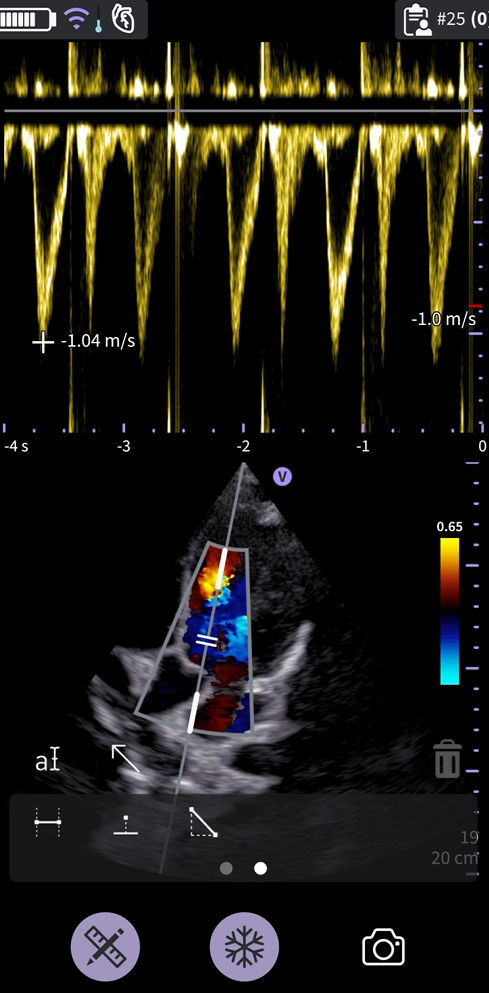 Velocity measurement
5. To store the image with a measurement, press the store button
Time Interval on PW-mode
To measure a time interval:
1. On a frozen image, press the Measure/Annotate button.
2. Select the Time measurement tool.
3. Position the calipers on the PW doppler waveform to measure the desired time interval.
4. The system displays the time measurement and the corresponding calculated heart rate. The number of beats used for the heart rate calculation is listed with the calculated heart rate. Example 60 bpm
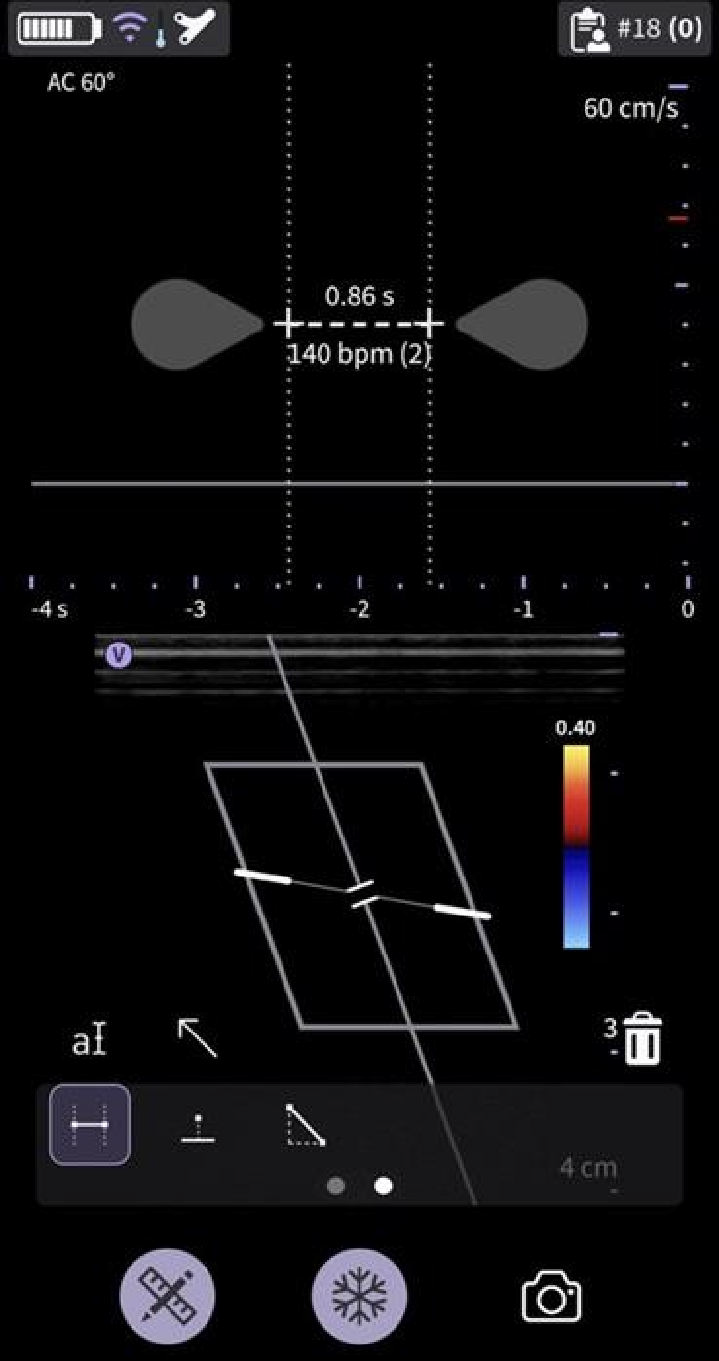
Time interval - PW-mode
5. To store the image with a measurement, press the store button
Slope on PW-mode
To measure slope between two points:
1. On a frozen image, press the Measure/Annotate button.
2. Select the Slope measurement tool.
3. Drag to position the calipers.
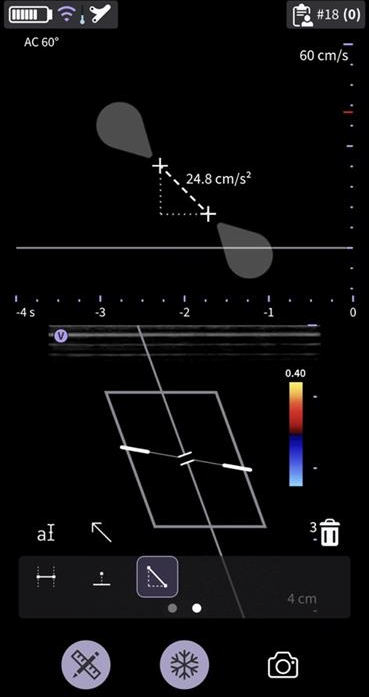 Slope measurement
4. The system displays the slope measurement result.
5. To store the image with a measurement, press the store button .
Disclaimer: The information herein is not intended to replace the product’s User Manual. Please consult the User Manual for comprehensive information and cautionary guidance about the product’s operation and use.