Learn how to access and use Help tools - User Manual, Support Center and Contact us.
Help - no probe connected
When the Vscan Air probe is not connected Help displays - User manual, Support center and Contact us.
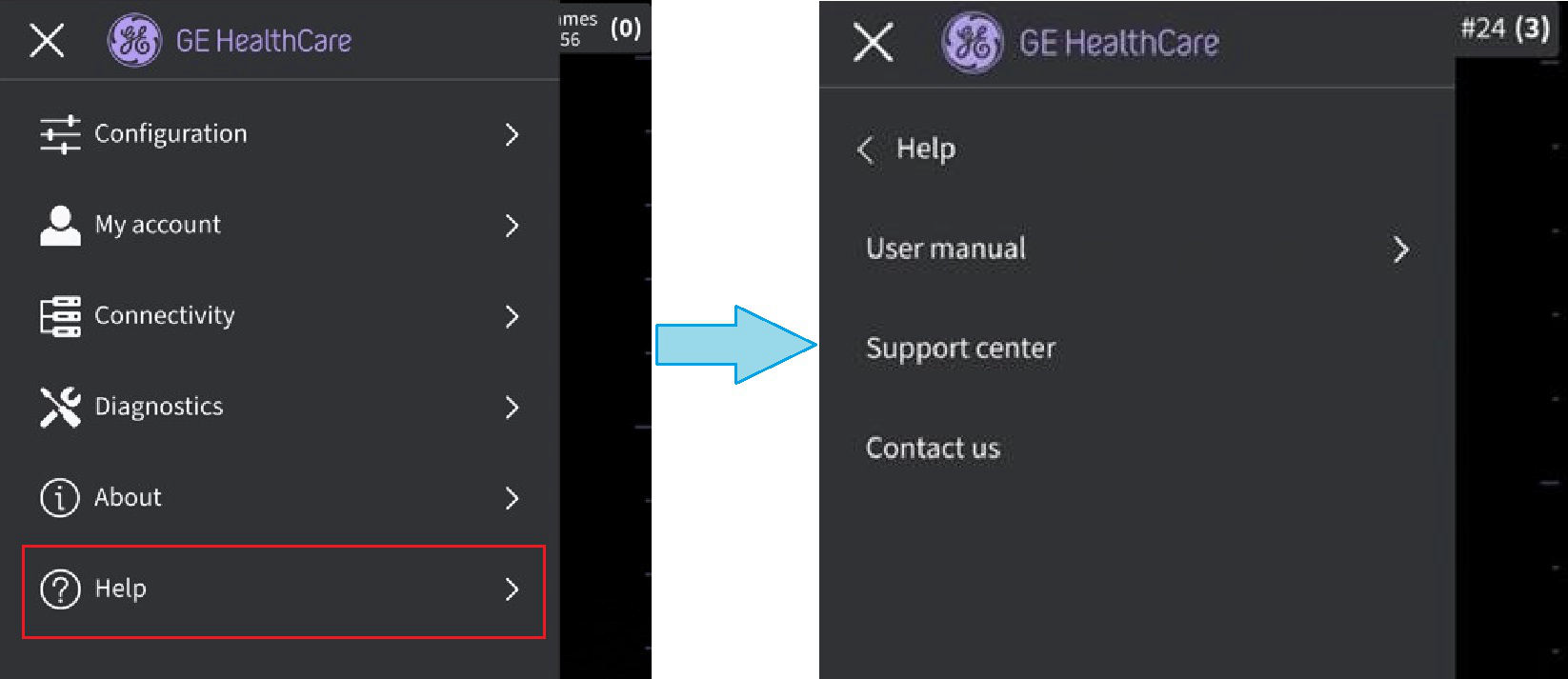 Help - no probe connected
- User Manual - To access the user manual in the desired language.
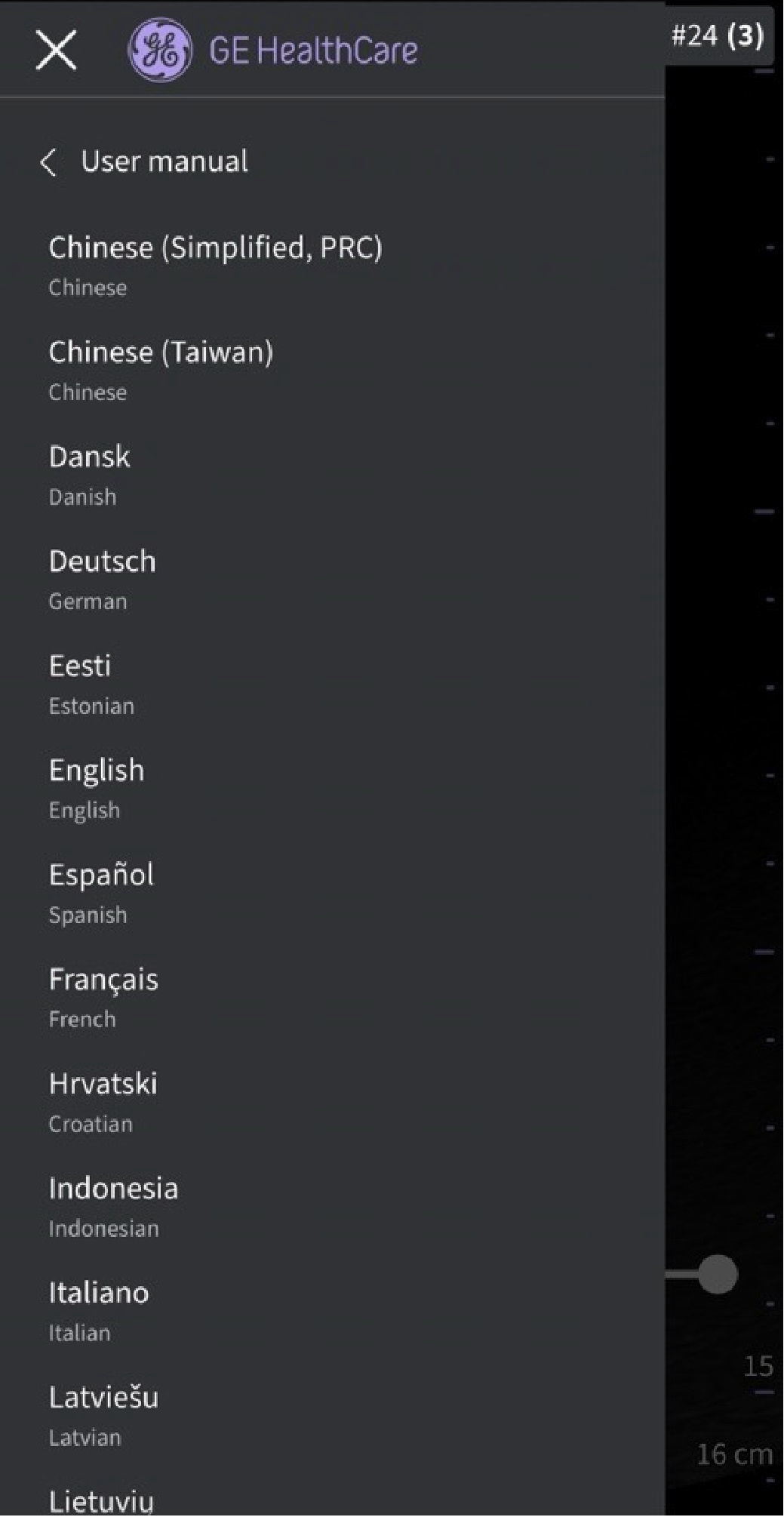
User Manual
- Support center - Directs to the Vscan Air support web page that provides access to product information.
- Contact us - To access list of GEHC Service Centre contact numbers
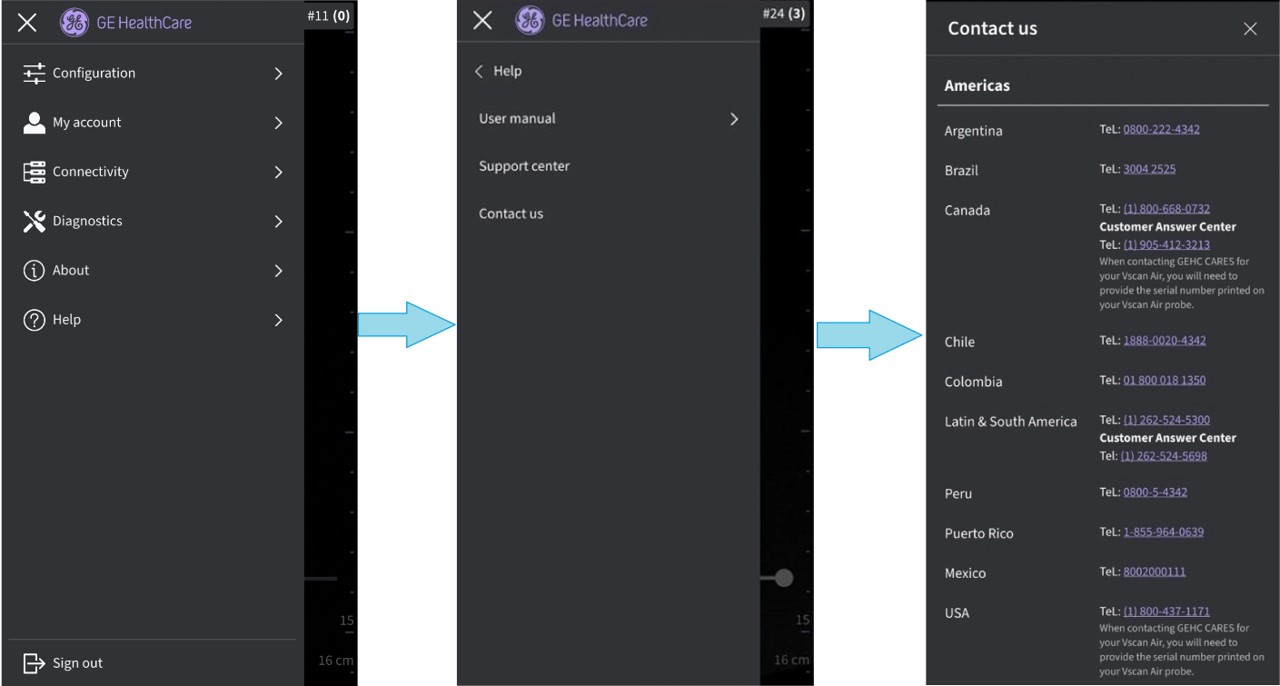
Contact us
Help - probe connected
When connected to a registered Vscan Air probe, Help will display App walkthrough.
Follow the steps below to start App walkthrough.
1. Press Menu > Help
2. The Vscan Air App walkthrough option is available
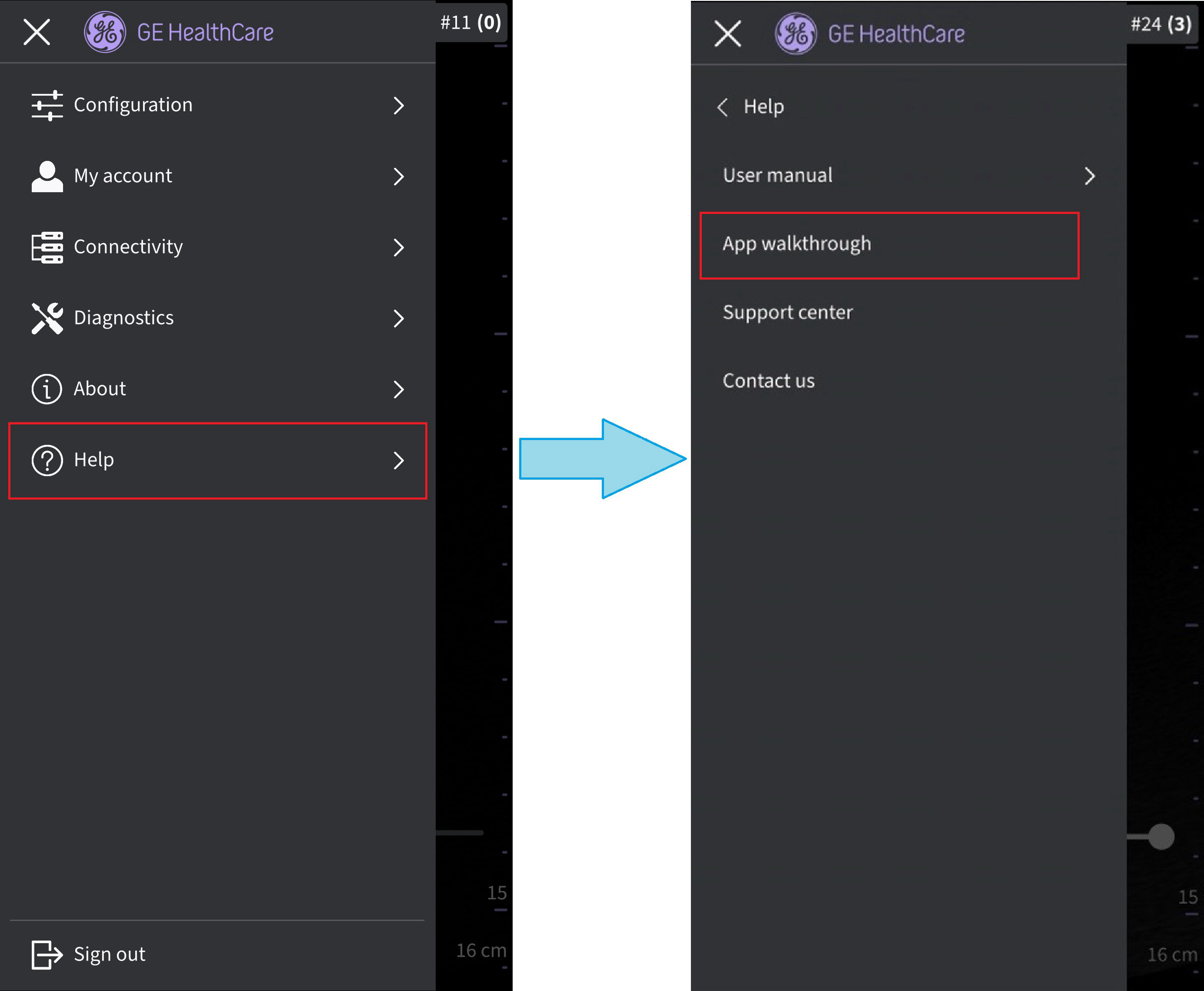
Vscan Air App walkthrough
3. Click on the App walkthrough.
4. The walkthrough will guide through the basic app functions
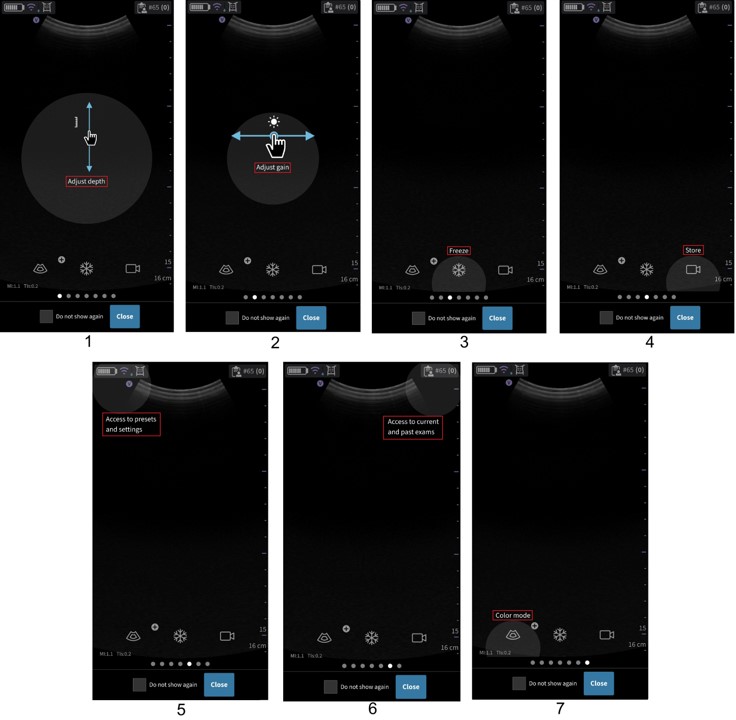
App walkthrough functionality
1. Tap on scan and move vertical to change the depth.
2. Tap on scan and move horizontal to change the Gain.
3. Select Freeze button - user can freeze image/video.
4. Select Store button - user can save image/video.
5. Navigate to preset screen or settings screen.
6. Access Current or Past exam.
7. Select color flow mode button to add color doppler.
Disclaimer: The information herein is not intended to replace the product’s User Manual. Please consult the User Manual for comprehensive information and cautionary guidance about the product’s operation and use.