Storing a still image
Press the Store button  on the scan screen when the image is frozen to store a still image
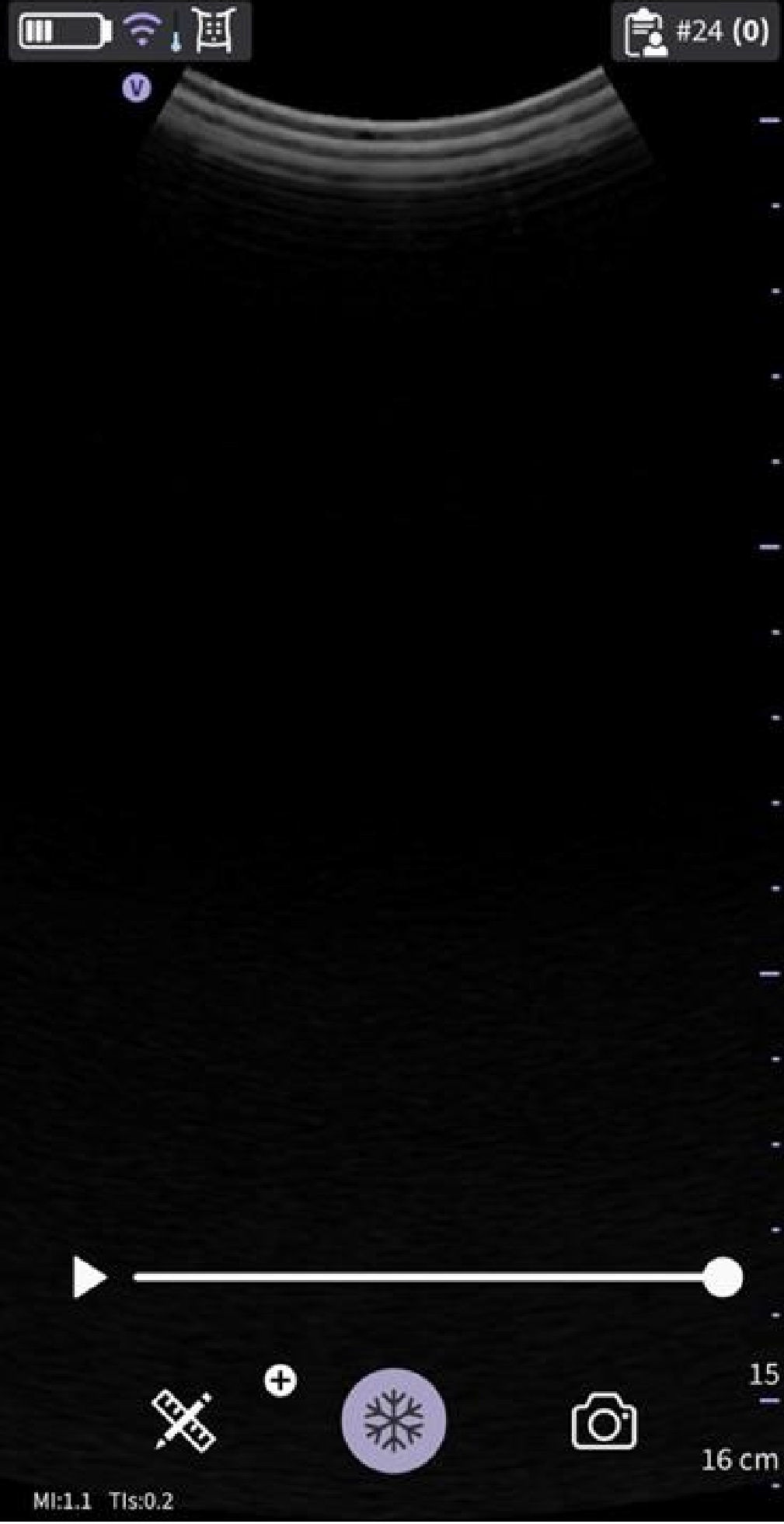
Store still image
Storing a video
To store a video:
- Press the Store (video) button
 on the scan screen when the image is live. OR
 - Play the video buffer by using the Play/Pause button on the video buffer bar and then press the Store button

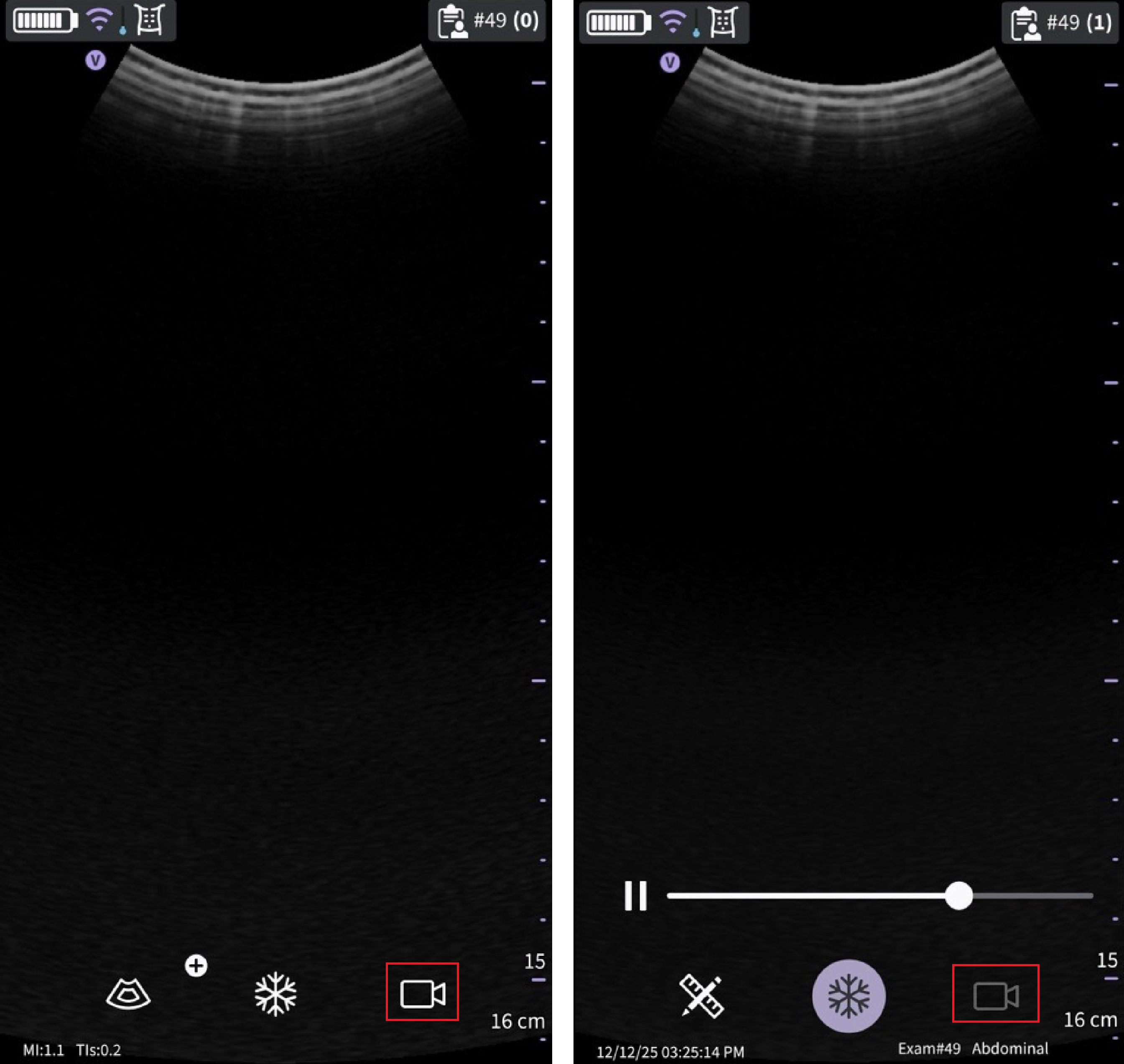
Store video
Disclaimer: The information herein is not intended to replace the product’s User Manual. Please consult the User Manual for comprehensive information and cautionary guidance about the product’s operation and use.