Press and hold the preset which needs to be selected as default preset
A star mark displays to indicate the default preset selected.
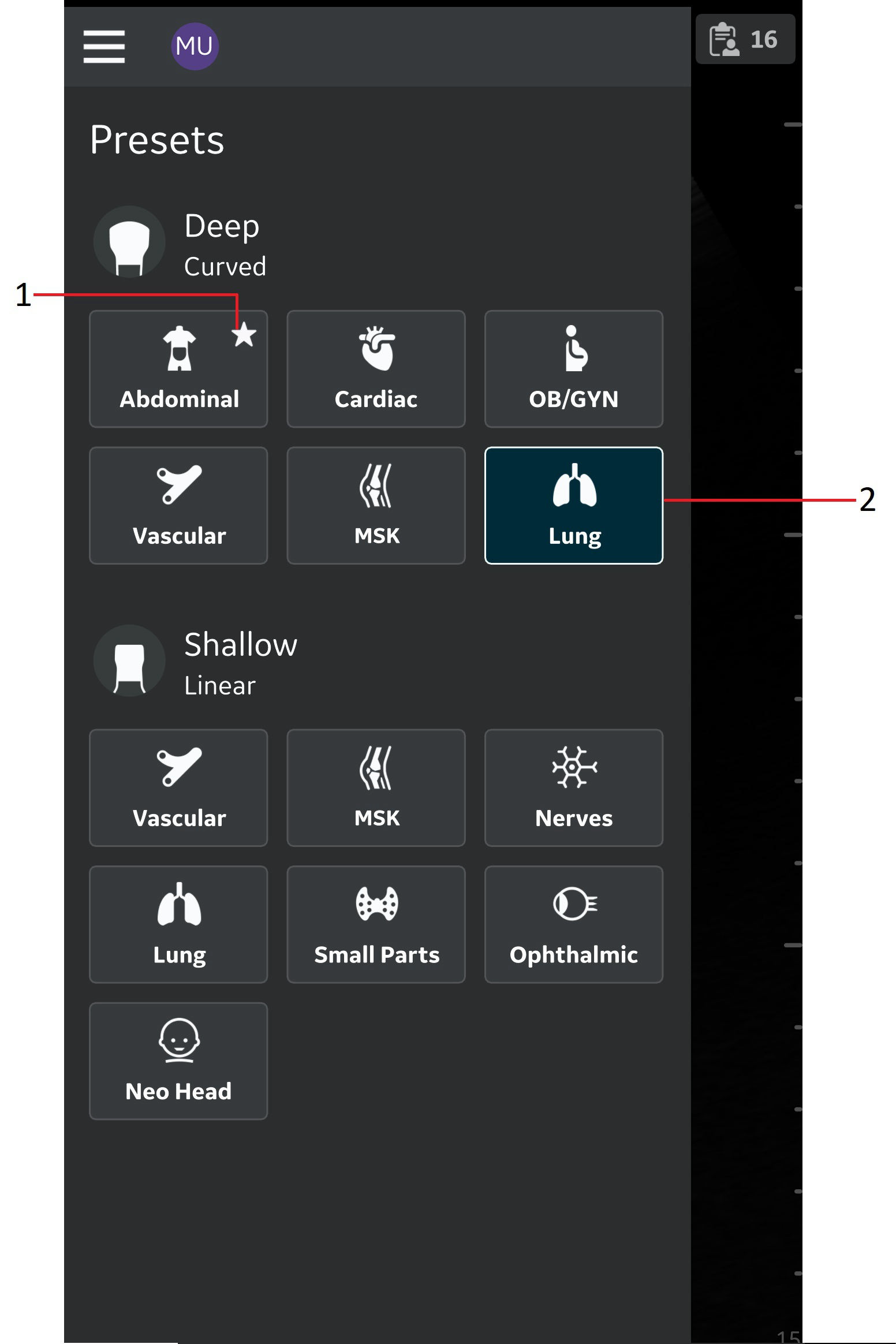
Preset as default
1. Default preset
2. Selected preset
3. Information
NOTE
The default preset indicated when installing the Vscan Air app is the factory default setting.
Disclaimer: The information herein is not intended to replace the product’s User Manual. Please consult the User Manual for comprehensive information and cautionary guidance about the product’s operation and use.